
I have a great memory. Like, scary good. The kind where I can tell you what I ordered the first time I went to a restaurant or recite lyrics from a ’90s rap song I haven’t heard in twenty years.
So for years, I thought to-do lists were for people who needed help remembering things, which meant they weren’t for me.
Oh, how wrong I was about that.
I resisted keeping a to-do list for a long time, mostly because I thought I didn’t need one. But also because the few times I tried to use one, the list itself became overwhelming.
I’d write my mental clutter down, look at the page, realize everything I needed to do, and immediately want to curl up in bed with a squishmallow.
Also? I thought I had to use some fancy planner to make it count, which felt like entirely too much pressure before I even started.
What I didn’t understand back then was that to-do lists aren’t really about remembering things. They’re about deciding where to put your precious energy.

Why neurodivergent brains need roadmaps, not catalogs
What I eventually figured out is that remembering everything may be a cool party trick, but it costs you.
When you’re holding every task, idea, deadline, and obligation in your head at the same time, you’re using up a massive amount of mental bandwidth. It’s like running 83 browser tabs at once.
Yeah, they’re open. But your computer is also making a weird fan noise and running so hot it could fry an egg.
I spent so much energy just keeping track of everything that by the time I actually sat down to work, I was already tired.
And when I finally finished my tasks for the day, I couldn’t relax because my brain was still juggling that background process of “don’t forget, don’t forget, don’t forget.”
Writing things down isn’t only about compensating for a bad memory. It’s also about freeing up space in your noggin so you can use your brain for something other than storage.

What changed when I started using to-do lists for ADHD energy management
I started seeing the value of to-do lists when I stopped thinking of them as a memory crutch and started using them as a roadmap.
“Visit Thailand” overloaded my brain. But “research how to get a passport” is manageable.
The difference is specificity. And starting with one step instead of thinking about the entire journey kept me from feeling frozen in place.
And once I wrapped my head around that reframe, a few other things fell into place.
I had more energy for the work.
When I wasn’t spending all my mental bandwidth on remembering tasks, I actually had some left to complete them. (Revolutionary, I know).
Asking for help got easier.
If you don’t have a clear idea of what you need to do, how is anyone else supposed to know? Having an organized list opened up possibilities for delegation. And delegation kept me from burning out or feeling resentful.
Procrastination lost some of its chokehold on me.
Don’t get me wrong, I still procrastinate. But having a defined roadmap means I’m less likely to sit idle or spin my wheels. When I know what the next teensy step is, it’s easier to get started.
I could celebrate my accomplishments.
Checking things off a list feels good. But more than that, being able to look back at the end of the day and see tangible proof of progress made a difference. Without a list, finished tasks disappear into the void.
My 6-step energy-saving process
Before I walk through it, I want to address the thing I hear most often.
“I’ve tried systems before, and I never stick to them.”
Honestly? Same. I’ve started and abandoned more planning systems than I can count.
The difference with this one is that it’s not about maintaining a perfect system. It’s about having a process you can return to when your brain feels full. Some weeks, I do this daily. Other times, I don’t touch it for a week.
If a step doesn’t work for you, skip it or change it. The point isn’t to follow my process exactly. The point is to stop holding everything in your head.
Here’s what works for me.
1. Brain spew.
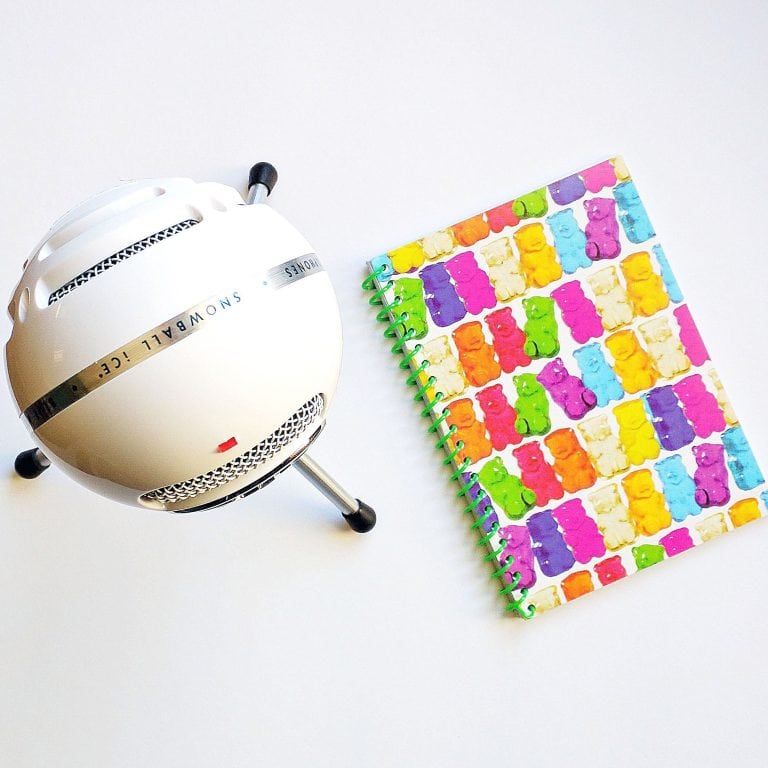
Set a timer for five to ten minutes. Take out a notebook (I use a basic dot grid one) or open a note-taking app.
Write down everything that’s bouncing around in your head. Don’t stop until you’ve emptied your brain on the page.
Your brain dump isn’t a to-do list yet. It’s just getting everything out of your head and onto paper so you can see what you’re really dealing with.
When the timer goes off, read through what you wrote. Highlight or circle anything that looks like a task or a project.
Great notebooks for brain spews



When the timer goes off, read through what you wrote. Highlight or circle anything that looks like a project or task.
Projects are the big things you want to accomplish. Launch a website, organize your studio, plan a trip.
Tasks are the specific actions that move projects forward. Research hosting, sort art supplies, book a flight.
A brain spew usually contains both, along with random thoughts like “I wonder if raccoons can open combination locks” that aren’t either. For now, focus on finding the projects and tasks. (We can deal with random raccoon questions another time).
2. Prioritize
Look at the projects and tasks that came up during your brain spew, and think about the deadlines.
Does this need to happen today? Next week? A year from now? Maybe it’s just a vague idea without a timeline.
Assign each project a priority. I usually think about it in terms of “urgent,” “soon,” and “someday.”
If everything feels urgent: Look for hard deadlines (things with external consequences, like paying rent or submitting a client project) versus soft deadlines (things you want to do but won’t cause immediate problems if they slip).
If nothing feels urgent: Pick the thing that’s been nagging you the most or the one that would free up the most mental space.
Your priorities will shift. Something that felt like “someday” last week might suddenly become urgent. That’s normal. The point is to have a starting place, not a contract signed in blood.
3. Categorize
Group your prioritized projects by category. I organize mine by the different areas of my life: personal, freelance work, and business tasks.
Categorizing helps you see patterns. Maybe all your “urgent” tasks are in one area, and you’re neglecting another. Or perhaps you realize you’ve been trying to do five business tasks when you only have energy for two.
If you have only one main category, break it down into subcategories that reflect how you work.
For example, if everything falls under “art business,” you might separate it into making art, marketing (social media, newsletter), administrative stuff (invoices, emails), and shop maintenance (updating listings, processing orders).
Or if everything’s personal, you might categorize by home, health, creative projects, relationships, and financial.
The categories themselves don’t matter. What matters is being able to see your tasks grouped in a way that makes sense to you.
4. Break it down and estimate time
Our roadmap metaphor from earlier becomes useful here.
Look at your prioritized, categorized projects. If you’re feeling overwhelmed, it’s probably because you’re looking at the destination instead of the first step.
For each project, write down the first three to five actions you’d need to take to make progress. Not the whole plan. Just the immediate next steps.
If your project is “launch a website,” your first three tasks might be decide on a platform, research hosting options, and look at theme prices. None of those tasks is “launch a website,” but each one inches you closer.
As you break down each project, estimate how long each task will take. Deciding on a platform might take a few days. Researching hosts could take a few hours. Looking at the theme prices might take twenty minutes.
Here’s where you start to see what’s manageable and what isn’t. A project that felt huge might break down into three 20-minute tasks you could knock out this week.
Or you might realize something needs 15 hours you don’t have right now, which tells you it belongs on your “not now” list. (More on that below).
5. Use a “not now” list
Now that you know what your tasks involve and how long they’ll take, you can make informed decisions about what to defer.
Take anything that doesn’t have a deadline or isn’t due within the next month and move it somewhere out of the way. I use the back of my notebook, but it could be a separate document or a specific section you’ve designated for this.
I call it my “not now” list.
Most of what ends up on mine are online courses. I’m a course junkie. Every time I see one that looks interesting, it goes straight to the “not now” list instead of cluttering up my brain with “I should really take that course on X.”
The point is to acknowledge the thought (so your brain stops nagging you) without letting it clutter up your immediate view. Once it’s written down somewhere you can find it, your brain stops screaming about it.
I set a weekly reminder on my phone to check in with my “not now” list and see if anything needs to move back into active rotation.
6. Make your list (and keep it alive)
Now you have a prioritized, categorized, broken-down, time-estimated collection of tasks.
Compile your list based on priority and time to complete. But also consider your own work style.
If you have several low-priority tasks that you can knock out in a few minutes each, will completing them give you momentum or wear you out?
There’s no universal correct answer here. You know yourself better than any productivity system does.
Pick a regular time to revisit your list. For some people, that’s nightly. For others, it’s weekly. Base it on your schedule and needs, not what someone told you “should” work.
When you revisit, take a minute to recognize what you’ve accomplished. Then look at your projects again, identify the following three to five tasks, and repeat the process.
Check your “not now” list occasionally to see if anything needs to move back to your working list.
There’s no wrong way to use a to-do list (permission to make this system your own)
To-do lists don’t have to be perfect. They don’t require expensive planners, specific apps, or color-coded systems.
I wasted a lot of time thinking there was a “right way” to do this, when really the right way is just the way that works for you.
If you have a good memory and a neurodivergent brain, using it as your organizational system isn’t just unnecessary; it’s exhausting.
Writing things down isn’t about admitting defeat. It’s about using a tool that’ll help you have energy left for the things you want to do.
Now, if you’ll excuse me, I need to check my “not now” list before it gets buck wild…
When my brain does this, I use that
If your brain runs 12 tabs and forgets what it opened the first one for, this free guide is for you. I’m AuDHD and these are the 10 tools I use every day.
Browser extensions, apps, and websites that work with a neurodivergent brain instead of against it.